All Windows 11 users placed on red alert and urged to restart PCs now
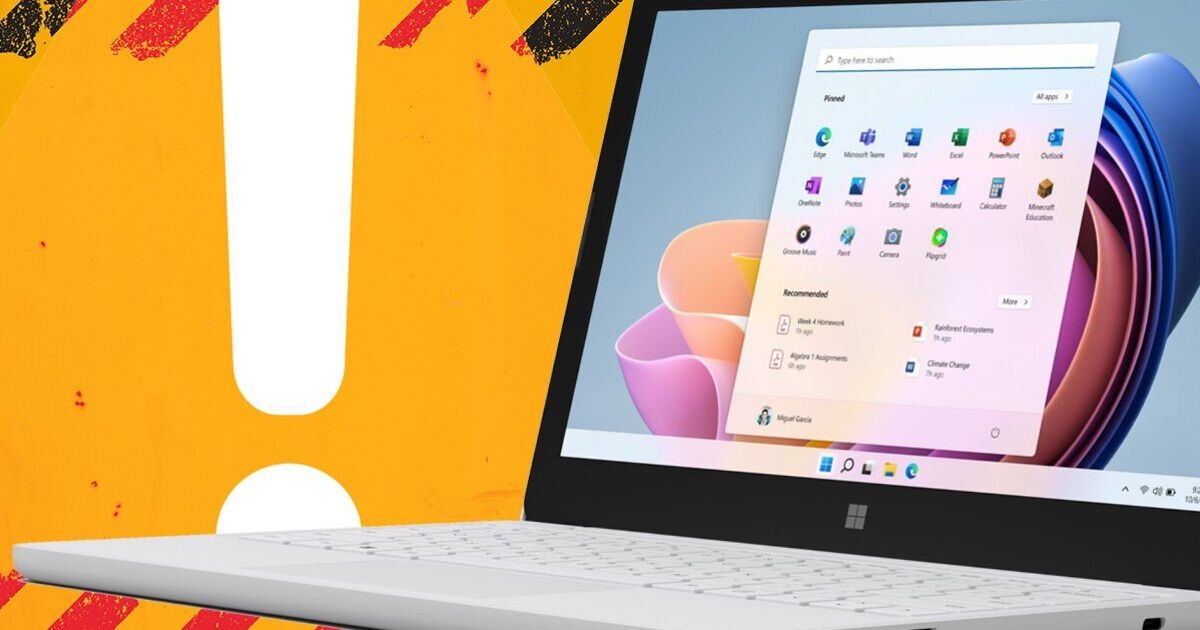

Anyone using a PC with Windows 11 installed would be wise to head to their settings and check for any pending updates. Microsoft has recently released its latest 'Patch Tuesday' update, with the US technology giant confirming that it fixes a whopping 137 security vulnerabilities. If that wasn't bad enough, 31 of the bugs have been given a 'critical' stamp, which means the update should not be ignored as this is one of the highest threat levels.
The only good news is that Microsoft hasn't spotted any so-called zero-day threats, which means the bugs fixed in this release haven't yet been exploited by hackers in the wild.
That said, the security team at Malwarebytes still say it's vital that all users pay attention and don't ignore any updates.
"This release is far from low-risk," Malwarebytes explained.
"A large chunk of the critical bugs allow remote code execution (RCE) across Windows services, Office, Azure, SharePoint, and graphics components. That means attackers who trick a user into opening a malicious document or lure them into connecting to a malicious service could gain full control of a system."
Having looked through the full list of 137 security vulnerabilities, Malwarebytes says it has found two that look particularly troublesome.
One called CVE-2026-40361 could allow an attacker to execute code locally on the affected system. The second, called CVE-2026-35421 is a critical heap-based buffer overflow in Windows Graphics Device Interface.
Explaining more, the security team said: “For this vulnerability to be exploited, a user would need to open or otherwise process a specially crafted Enhanced Metafile (EMF) file using Microsoft Paint. This action is necessary to trigger the affected graphics functionality in the Windows component.”
As long as your PC has the latest update installed, you will be safe from any future attacks. Just head to the Settings and go to Windows Update.
Then click the button that says Check for updates.
You will then see if your PC has any changes pending. If an update is available, you'll asked to download it, install and restart your PC.
"In Windows 11, you decide when and how to get the latest updates to keep your device running smoothly and securely," Microsoft confirmed..
"Select Start > Settings > Windows Update > select Check for Windows updates.
"If any updates are available for you, select Download & install. Your device will download and install the updates. If prompted to do so, restart your device to apply the updates."

Daily Express