UK homes urged to press Wi-Fi router button to get instant free speed boost
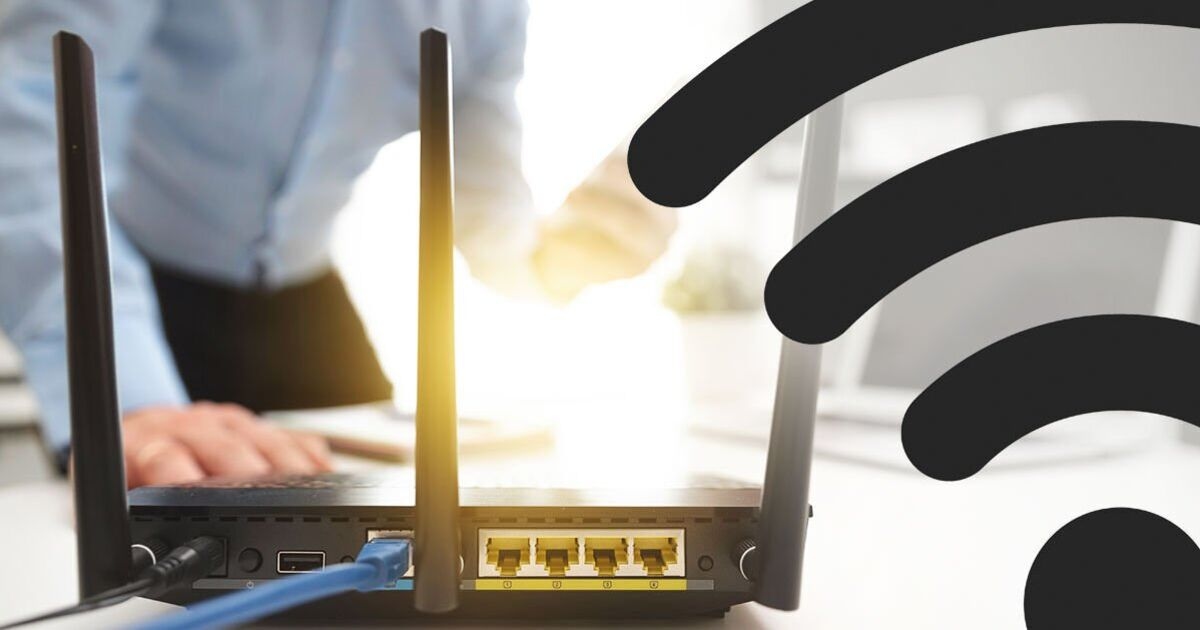

If your broadband speeds feel like the internet is trudging through treacle, then there are some simple tips to try that could instantly speed things back up again. Of course, moving the router away from direct sunlight and not putting it behind a fish tank or in a cupboard will help, but did you know that giving things a reboot once in a while can work wonders?
Yes, tapping the power button and switching it back on again can clear up any gremlins clogging up the Wi-Fi.
Virgin Media issued advice about a reboot earlier this year and now the team at Broadband Genie are also advising homes to power their routers down.
"It’s a cliché for a reason. Restarting your router can fix various issues. Do it the right way by unplugging it for at least 30 seconds," Broadband Genie explained.
If you press the off switch, it's worth remembering that it can take up to five minutes for the internet to come back online so make sure you don't need the web or have to make an urgent Zoom call to the office.
Along with a reboot, Broadband Genie says there are some other things to try. This includes checking the router's placement and making sure it's off the floor.

It's also a good idea to check the Wi-Fi has been updated and is running the latest firmware along with shutting down so-called "bandwidth hogs".
"If you need to focus on a task, close other apps or switch off devices that are using the network," Broadband Genie added.
"Log in to your router; the details will be printed on the casing. From here you can see what devices are connected to your router.
"If there is anything you don’t recognise, you can remove it. After this, it’s best practice to change your password in case it was an unwanted visitor."
Finally, check the router's frequency.
Many routers are dual-band and have a 2.4GHz and a 5GHz frequency. 2.4GHz has a longer range but is slower. 5GHz supports faster speeds, but at a shorter distance. You choose between the two when connecting to the Wi-Fi from any device. Or you can disable a frequency from your router’s settings when logged in.
Give these top tips a go, you never know, you might just gets a speed boost for free.

Daily Express