UK homes urged to press Wi-Fi router button to get an instant free speed boost
If your broadband feels painfully slow, there are a few very simple fixes that could get your internet back up to speed. The best part is that all the tips can be done without an engineer visiting, and they only take a few minutes each.
Of course, there are the usual things most people know, such as placing your router in the right spot—away from direct sunlight, out of cupboards, or obstacles like fish tanks. But one of the easiest and most effective solutions is simply restarting it.
Yes, turning your router off and leaving it unplugged for at least 30 seconds before powering it back on can clear temporary glitches and restore performance. Virgin Media has long recommended regular router reboots, and now the broadband experts at Broadband Genie are offering the same advice.
"It’s a cliché for a reason," Broadband Genie says. "Restarting your router can fix various issues. Do it the right way by unplugging it for at least 30 seconds."
Keep in mind that once you restart your router, it may take up to five minutes for your broadband connection to come back online, so avoid doing it just before an important video call or when you urgently need internet access.
A reboot isn't the only way to improve your connection. Broadband Genie also recommends checking where your router is positioned. Ideally, it should be placed in an open, elevated location rather than sitting on the floor, helping the Wi-Fi signal reach more of your home.
It's also worth ensuring your router is running the latest firmware, as updates often include performance improvements and security fixes.
Another common cause of slow speeds is unnecessary network traffic. Closing apps that consume large amounts of bandwidth or disconnecting devices you're not using can free up capacity for the tasks that matter most.
"If you need to focus on a task, close other apps or switch off devices that are using the network," Broadband Genie advises.
You should also log in to your router's settings to review which devices are connected. The login details are usually printed on the router itself. If you spot any unfamiliar devices, remove them from the network and change your Wi-Fi password to prevent unauthorised access.
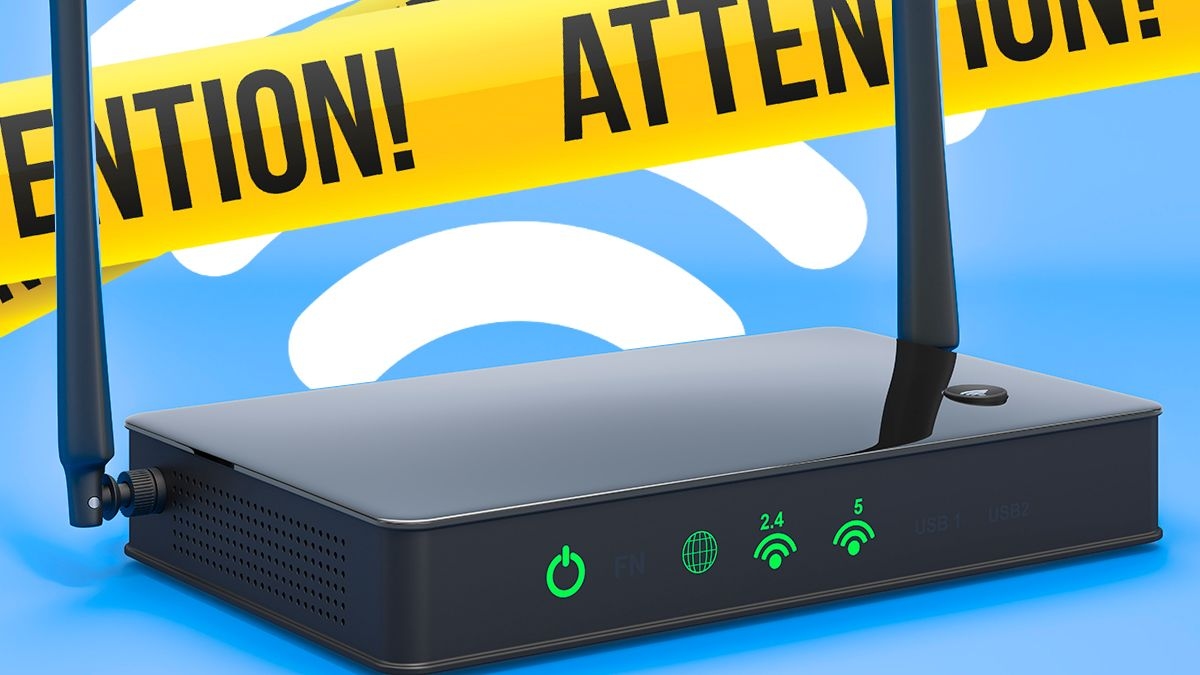
Finally, check which Wi-Fi band you're using. Most modern routers offer both 2.4GHz and 5GHz connections. The 2.4GHz band provides a stronger signal over longer distances but delivers slower speeds, while the 5GHz band offers faster performance over shorter ranges. Depending on where you are in your home, switching bands could improve your connection.
Try these simple tips before considering an upgrade—you might be surprised how much faster your broadband becomes without spending a penny.

Daily Mirror